
Practical team guide
Action item tracker: a template for meeting follow-through
An action item tracker records what needs doing, who has accepted it, when it is due and what will count as done. Start with a shared spreadsheet or document. Keep proposed work separate from accepted commitments so a meeting summary cannot silently assign someone a deadline.
What belongs in an action item tracker?
A useful tracker lets the next person act without reconstructing the meeting. Use one row per deliverable and one accountable owner. A team name can identify contributors, but it does not tell you who will accept the work or explain a delay.
| Field | What to write |
|---|---|
| Action and first step | A concrete deliverable, plus the next visible step |
| Proposed owner | Person suggested in the discussion |
| Acceptance | Who accepted the work, when and where |
| Due date | Agreed date; leave unconfirmed dates blank |
| Source | Original message, meeting note or file reference |
| Status | Proposed, accepted, in progress, blocked, done or cancelled |
| Blocker and checkpoint | What is missing and when to review it |
| Completion evidence | Deliverable and the person who checked closure |
Use proposed when acceptance is missing. Use blocked only when a specific obstacle has been established. A silent owner or an absent update means the status needs checking; it does not prove failure.
Download and use the template
The free action item tracker CSV opens in common spreadsheet applications. It includes two clearly fictional sample rows and one blank row. Remove the samples before entering your team’s work. CSV carries the records; it does not send reminders or update itself.
- Capture the source. Link the relevant meeting note, message or file.
- Draft one deliverable per row. Separate “review the plan” from “approve the budget” when different people own them.
- Ask the owner to accept. Confirm the scope and date in writing. Keep the row proposed until then.
- Agree a checkpoint. Review the same tracker rather than opening a new list at every meeting.
- Close with evidence. Open the delivered work and record who confirmed completion. If the date changes, retain the earlier date and reason.
Worked example: a suggested Friday deadline changes
Fictional planning example, not a customer result. The meeting recap says, “Claire will finish the launch review Friday.” The source only says Claire will check the test results. Friday was suggested by someone else.
| Point in the review | Tracker entry |
|---|---|
| After the AI draft | Proposed: launch review; Claire suggested; Friday unconfirmed |
| After Claire checks dependencies | Blocker identified: test result expected Monday |
| After acceptance | Claire accepts Tuesday; first step is checking Monday’s result |
| At closure | Review file attached; project lead confirms it answers the agreed question |
The correction matters more than a tidy list: a suggested deadline becomes a commitment only after the person accepts it.
A Roomcord example you can inspect
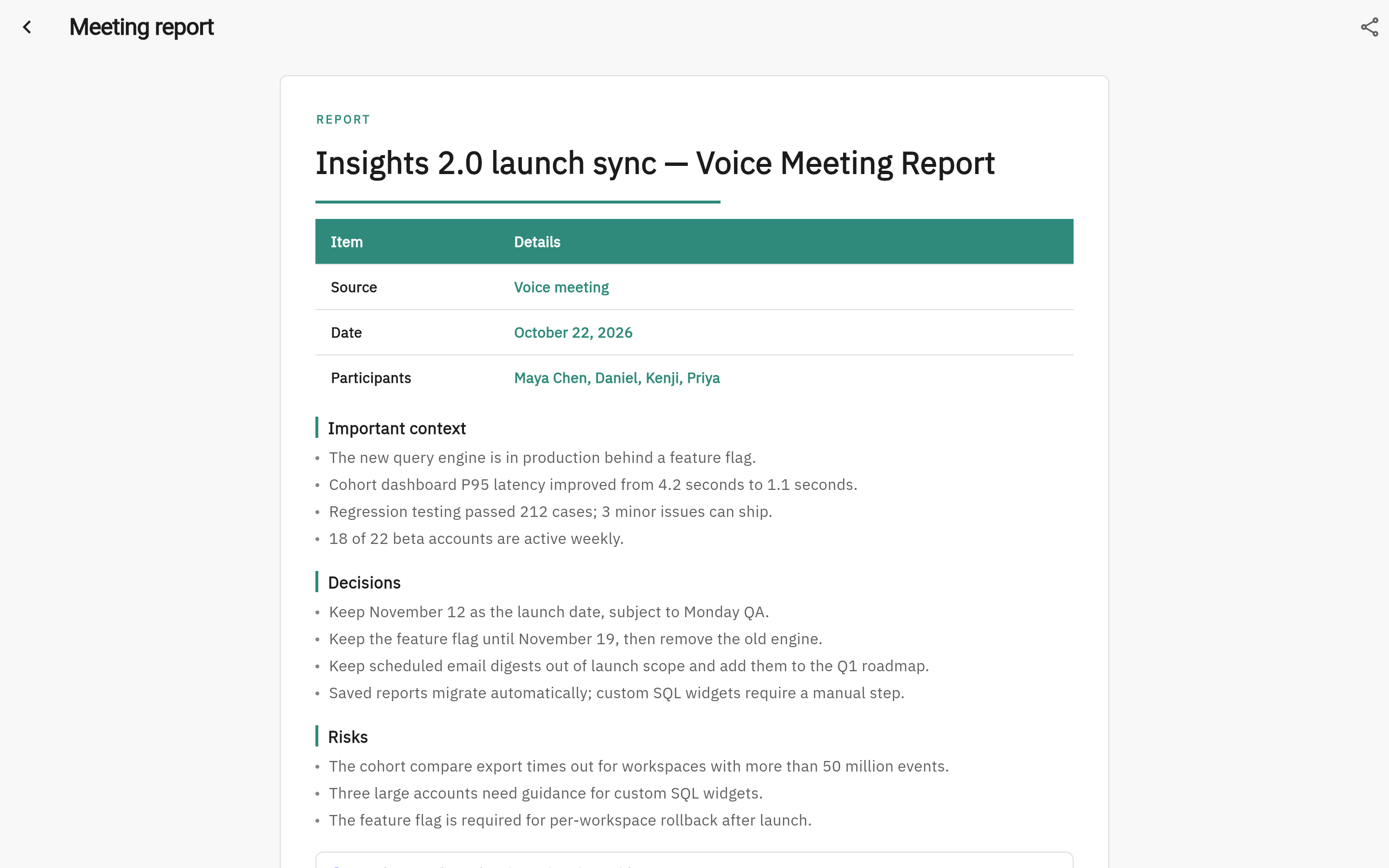
Roomcord brings team messages, meetings, files and AI teammates into a shared room. An AI-prepared meeting report can provide a starting point for the tracker. A person still needs to check the source, confirm the owner and date, and maintain the accepted record.
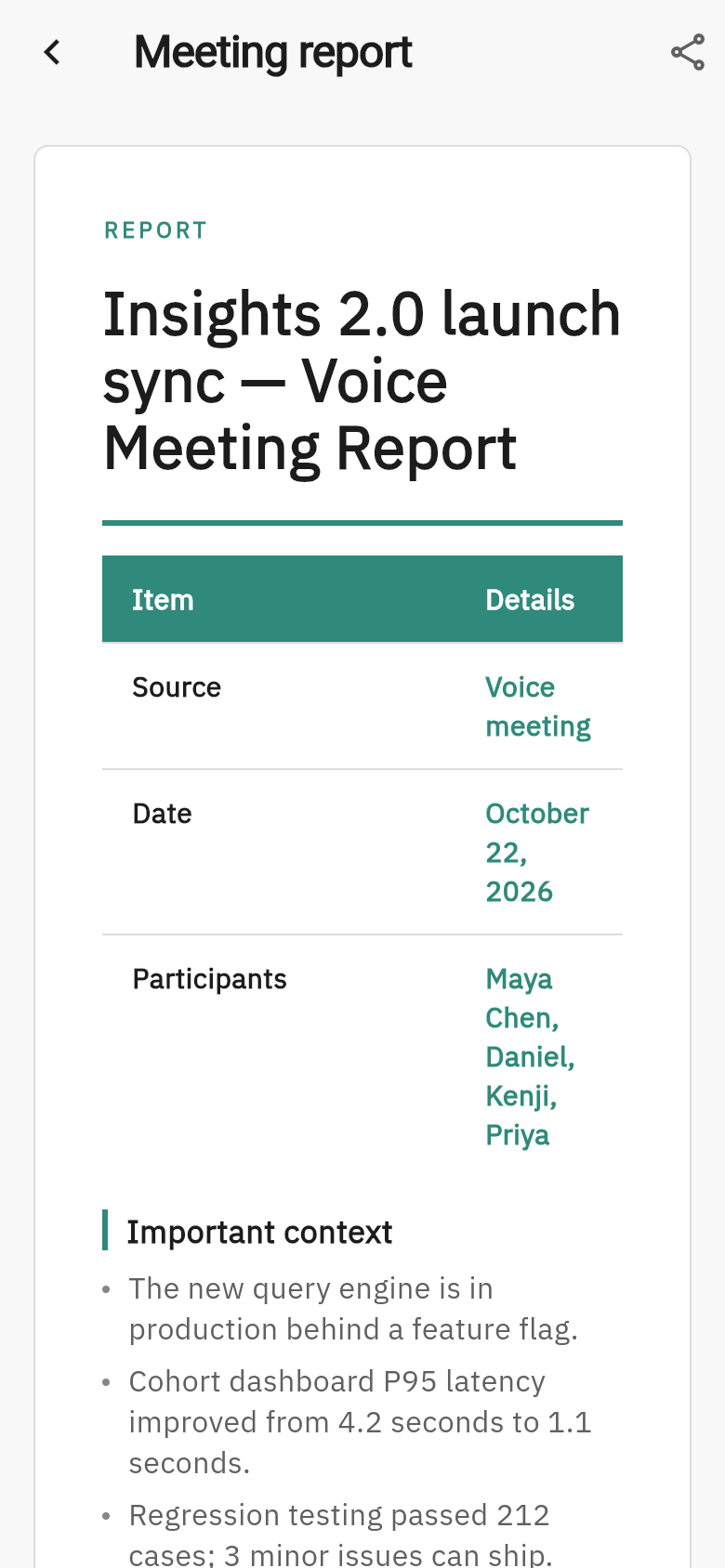
The product capture below shows a meeting report in Roomcord using Lumen Analytics, a fictional demo team. It demonstrates a report in the interface, not an automatically maintained task board, automatic escalation or a measured customer outcome. Review current product availability before choosing pilot scope.
Roomcord product capture
Inspect the meeting report
A prompt for drafting the first tracker
Use this with the meeting notes or messages you are authorized to share:
From these records, draft one row per proposed action. Include the deliverable, proposed owner, source reference, any explicitly agreed date, and missing information. Mark every row proposed unless the source includes the owner’s acceptance. Do not invent owners, deadlines or completion evidence. List conflicting statements separately for review.
Check the draft against the original record before asking anyone to accept work.
Keep decisions separate from action items
A decision records what was chosen and why. An action item records who will do the resulting work. One decision can produce several actions; finishing an action does not establish that a decision was approved.
Use the decision-log template for choices and rationale. Use the project status reporting guide to summarize changes, blockers and decisions across accepted work. For a broader tool comparison, see meeting follow-through approaches.
How to evaluate one recurring workflow
Observe one normal review cycle before changing the process, then measure comparable cycles. Count missing owners, unsupported dates, accepted actions due, actions completed on time and corrections needed after review. Record preparation, checking and chasing minutes separately.
Calculate on-time completion only for accepted actions due in the period. If none were due, use “not applicable.” If the baseline was never measured, use “unavailable.” A shorter meeting is useful only if the necessary decisions and follow-up still happen.
Your first AI operating room
Bring one recurring workflow
Tell us which meeting, decision or approval creates repeated follow-up work. We can assess a scoped Roomcord pilot, the sources it needs, the human review steps and what to measure.
Request a demo
Share a little context. Our team will reply by email to arrange the next step.