
Shadow sprawl
Agents appear outside IT, often on personal accounts, with no central registry, launch control, or repeatable release path.

Governed AI acceleration
Give teams managed AI coworkers that can collaborate, use approved tools, handle repeatable work, and keep projects moving—while your company retains control of identity, data, access, costs, and responsibility.
Interactive platform map

Explore how each product contributes to one governed knowledge system.
The problem
A faster answer is useful. A governed AI coworker can go further: preserve context, coordinate follow-ups, use approved tools, and complete repeatable steps. The enterprise challenge is accelerating that work without losing visibility or control.
Agents appear outside IT, often on personal accounts, with no central registry, launch control, or repeatable release path.
Token and model use can pile up without attribution by tenant, model, or day. You find out after the work has already run.
Agents touch data, credentials, and browser sessions. Without tenant boundaries, private state and runtime artifacts blur together.
How it works
Each employee or team can have managed AI workers with clear identity and boundaries. Bewize Hub operates them, Roomcord connects them to shared team work, and Wize Browser lets them assist with approved browser tasks.
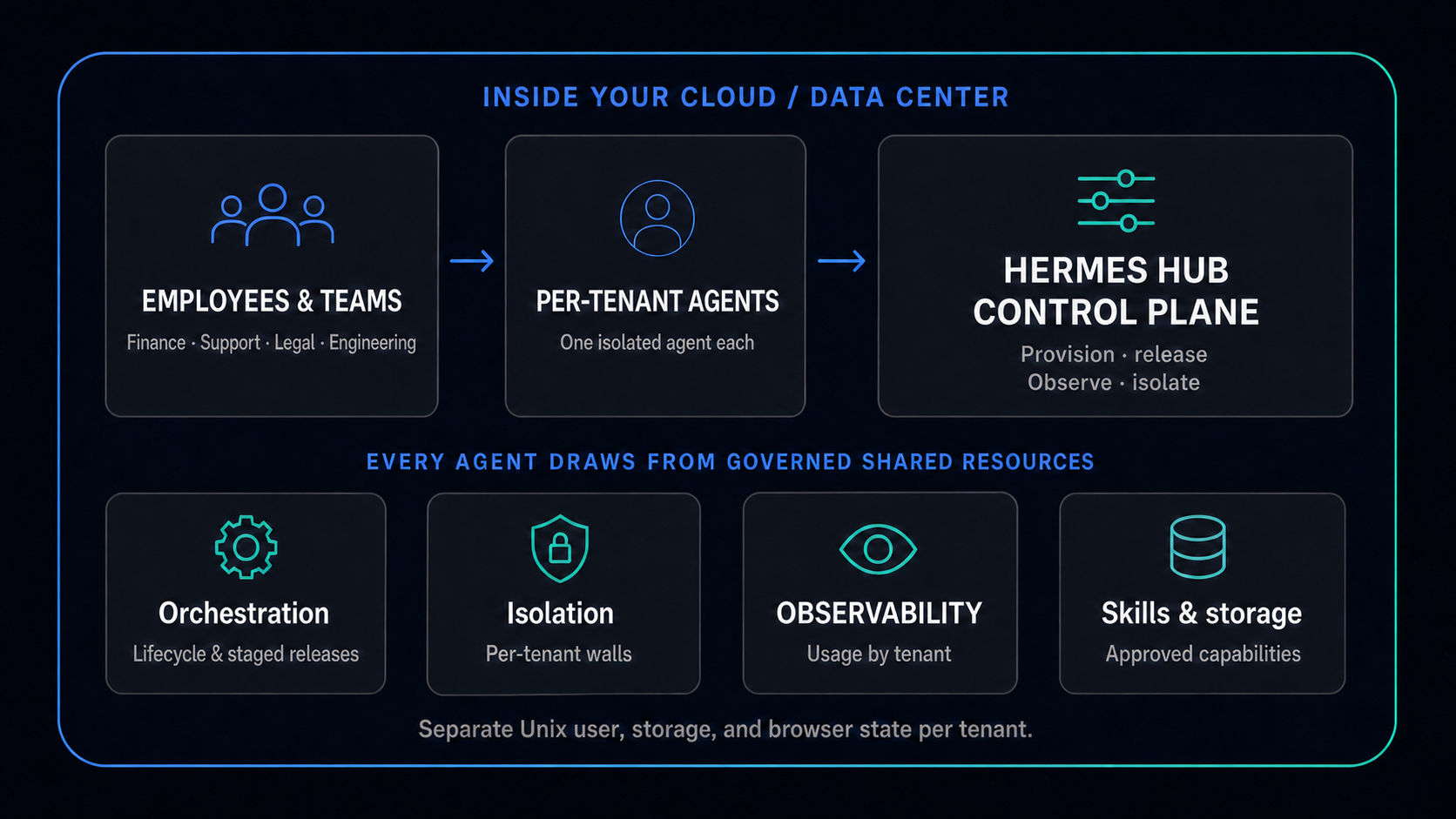
Give finance, support, legal, engineering, or operations an AI coworker for a defined workflow and accountable owner.
Keep the worker's identity, memory, credentials, workspace, and approved capabilities attached to the work it owns.
Deploy workers, schedule work, inspect runs, stage updates, apply policy, and recover failures from one operating layer.
Turn approved skills, tools, and operating patterns into repeatable capabilities instead of one-off prompts and scripts.
Use these operating controls to decide whether a private AI agent platform fits your security, IT operations, and adoption requirements.
Lifecycle & releases
Create, start, stop, restart, and disable agents from a central registry. Stage releases per tenant and keep launch behavior reviewable.
ExploreSecurity
Per-tenant memory, secrets, browser profile, workspace, logs, and identity — with one Unix user per tenant in the production provisioning model.
ExploreVisibility
Run and request logs, plus token and model usage attributed by tenant, model, and day. See where spend goes.
ExploreGovernance
Centralize approved skill packs, agent flavors, per-agent workspaces, and shared storage so capabilities are repeatable.
ExploreIf you are comparing enterprise agent platforms, start with the controls that decide whether agents can be safely adopted beyond pilots.
Security
Review tenant boundaries for memory, secrets, browser profiles, workspaces, logs, and runtime identity.
ReviewObservability
Look for run history, request logs, and model or token usage attributed by tenant, model, and day.
ReviewGovernance
Check whether skills, flavors, and procedures can be packaged, reviewed, installed, and improved centrally.
ReviewBewize Hub hosts, governs, observes, updates, and recovers company-managed AI workers so teams can increase their pace without creating unmanaged operational risk.
Provisioning
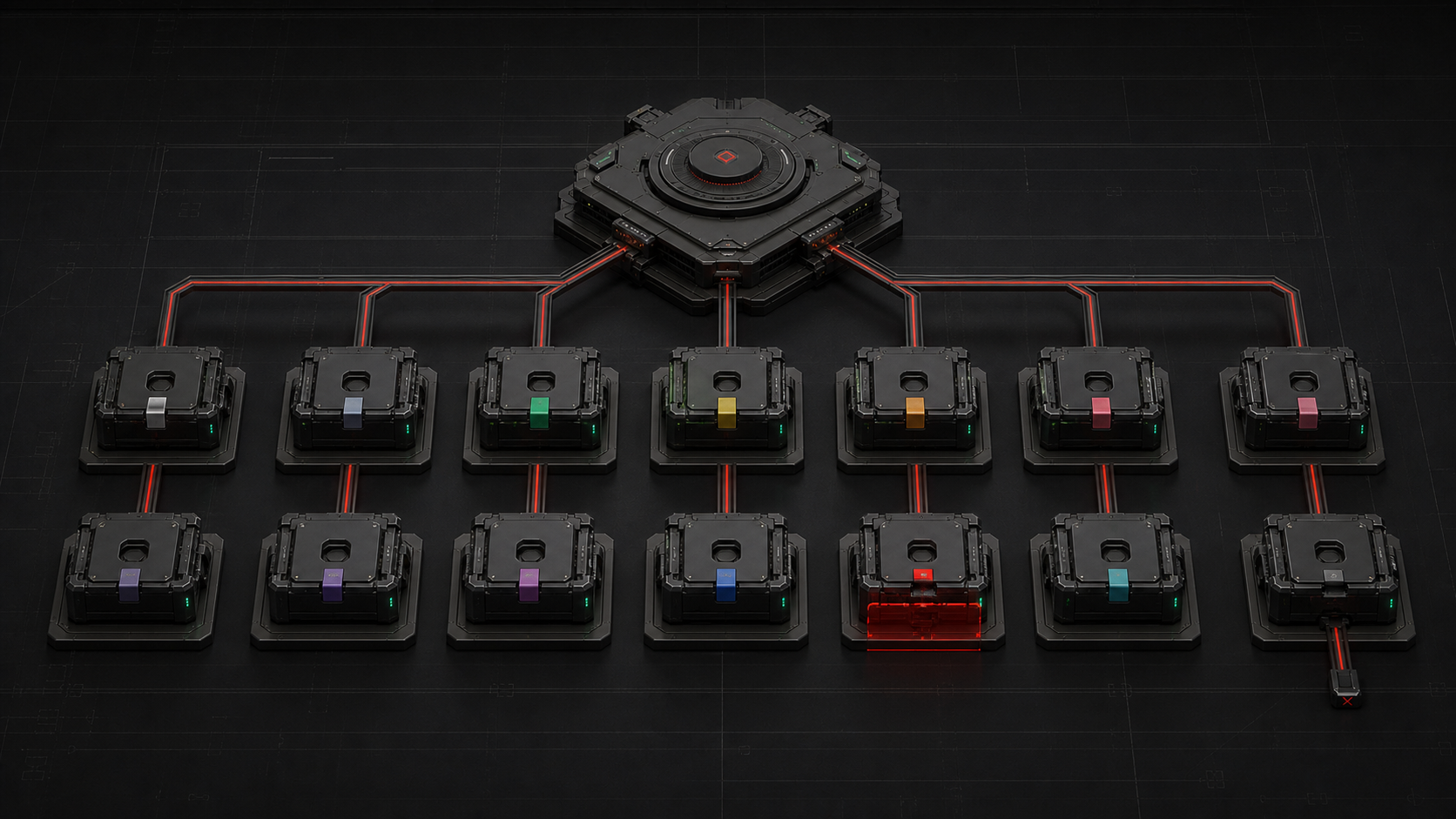
Create and manage tenant agents from one console — start, stop, restart, disable, and inspect.
Open Bewize Hub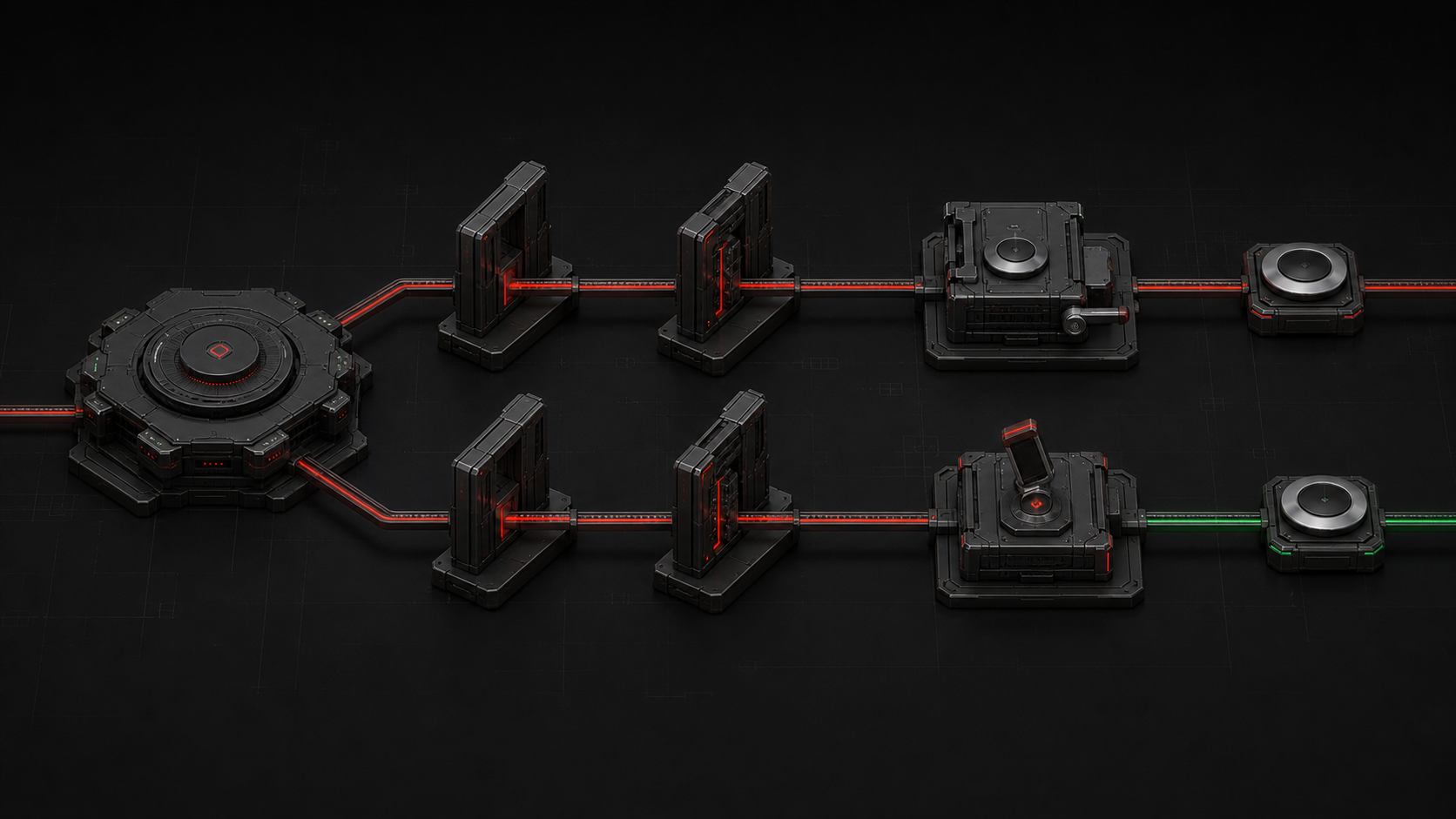
Governance
Assign skill packs, set runtime policy, and control what each agent is allowed to do.
Open Bewize Hub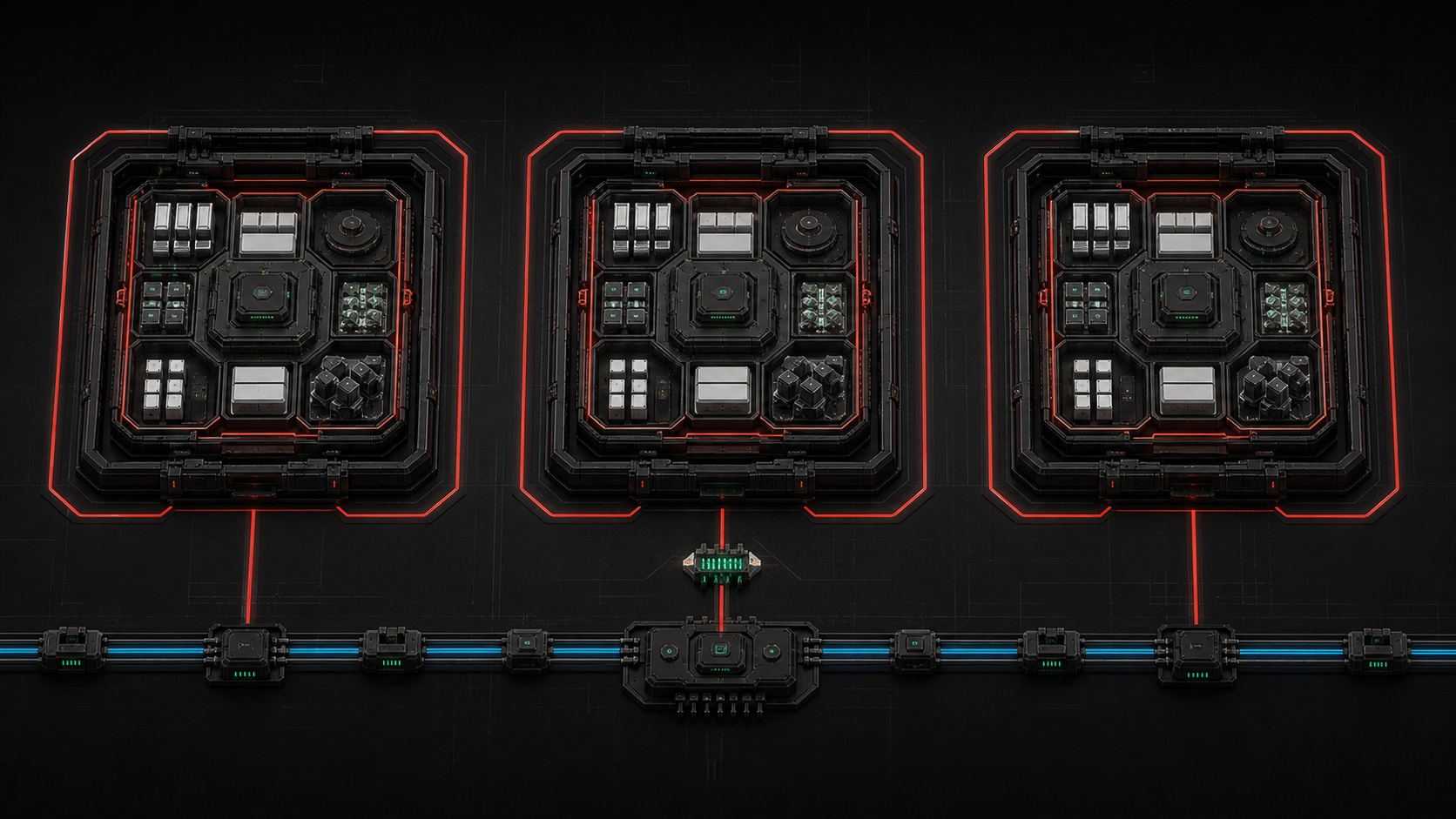
Runtime
Each tenant's browser state stays inside its own boundary — separate profiles, sessions, and runtime artifacts.
Open Bewize HubBewize Hub operates AI workers, Roomcord brings them into shared team workflows, and Wize Browser connects them to approved work on the web.
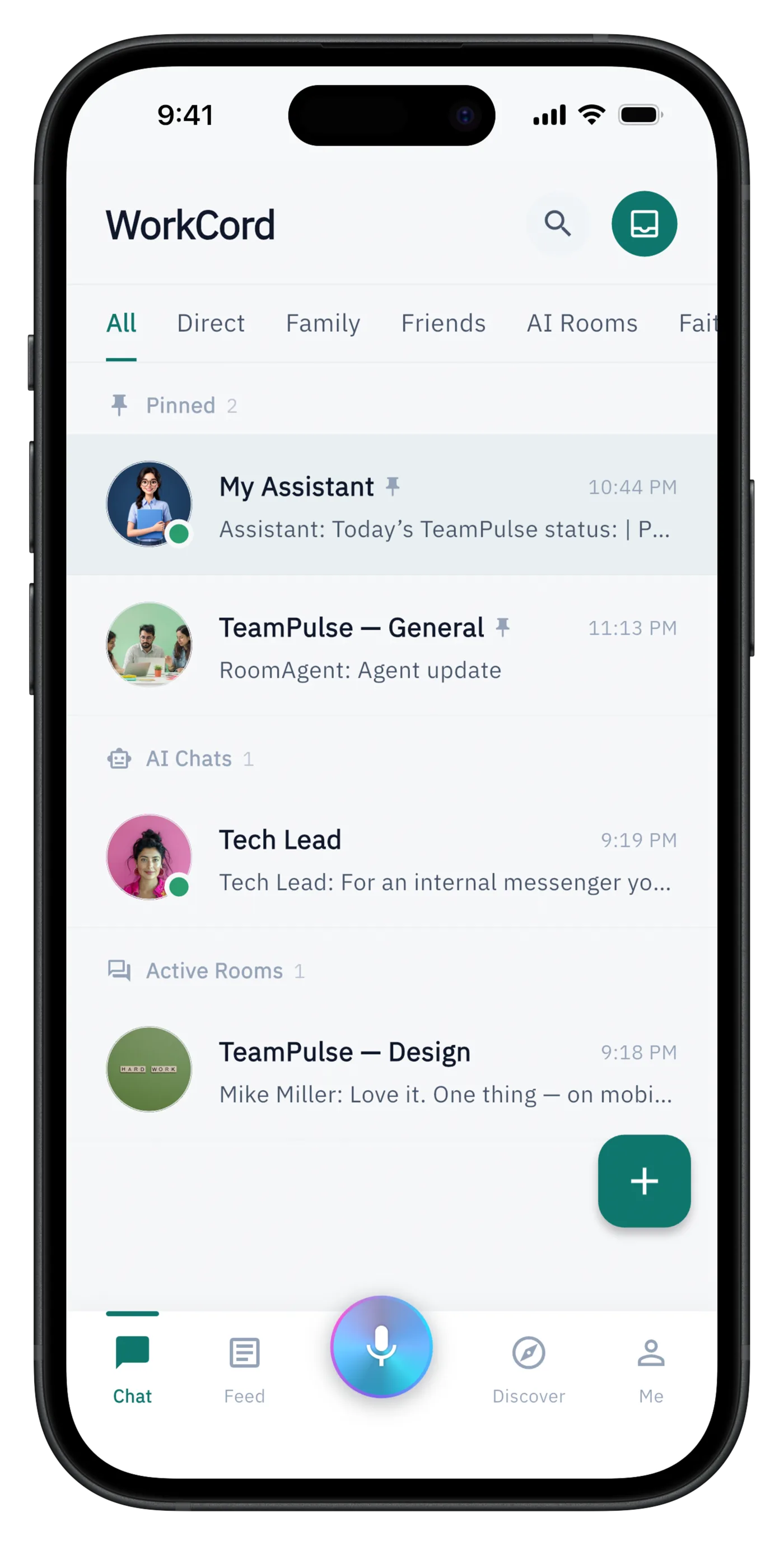
Communication
Shared rooms where people and AI coworkers turn conversations, meetings, files, and decisions into coordinated action.
Open product
Control plane
Deploys, governs, observes, updates, and recovers the AI workers that Roomcord and Wize Browser depend on.
Open product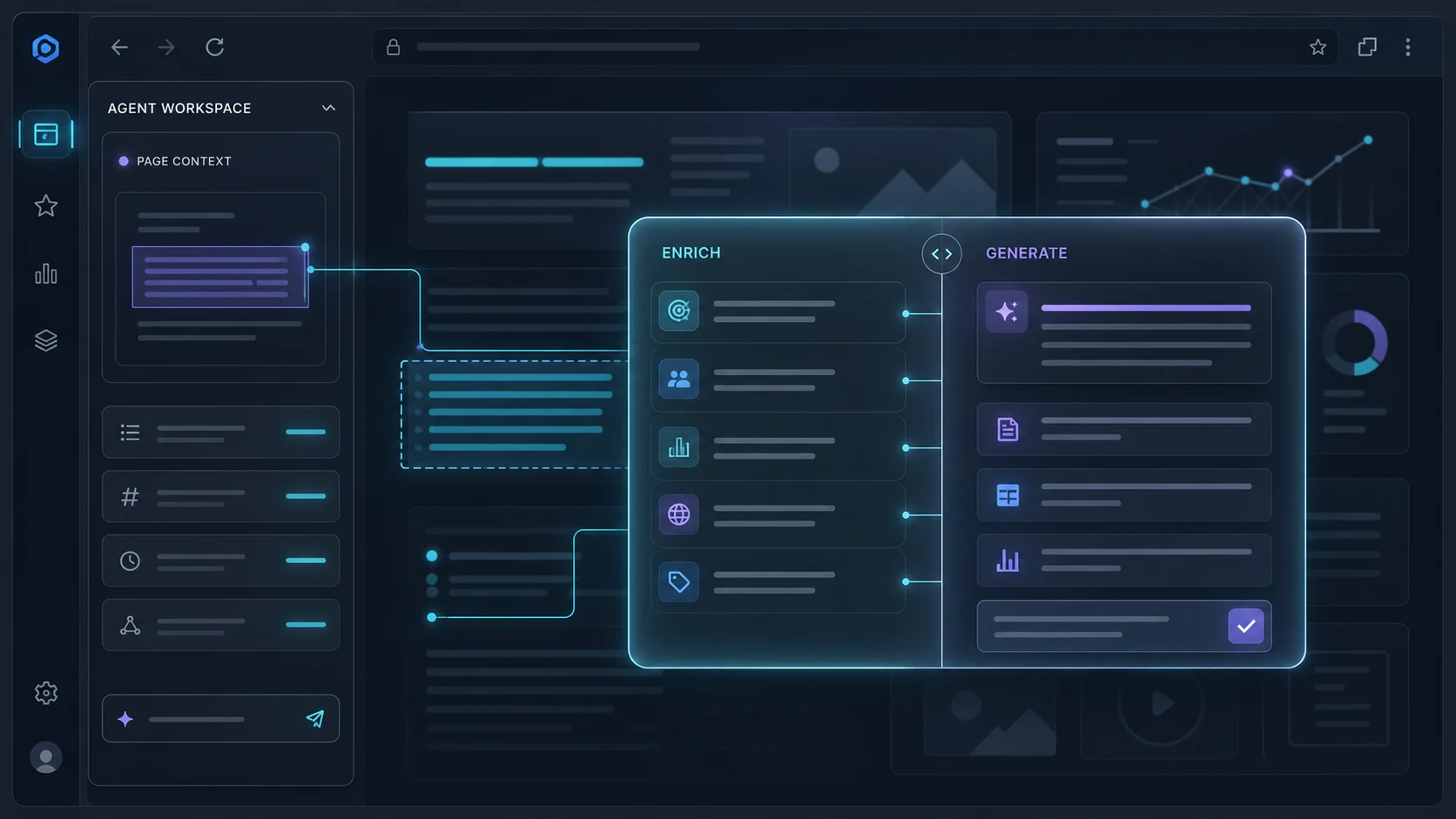
Agent on the web
Chrome MV3 extension plus server-side Browser Sidecar isolation, so a managed agent can work with web context.
Open productBook a working session to map one valuable workflow, the AI coworkers it needs, the controls your business requires, and the evidence that will show whether it is making an impact.
Architecture conversation
Share your deployment boundary, number of agents, work surfaces, and governance requirements. We will reply by email to arrange a focused technical discussion.
Email the Bewize teamThis opens your email application. Read our Privacy Policy.